PowerPoint presentation design services
I design presentations for companies that need to convince a room, whether that's an investment committee or a client you're hoping to win. With more than 20 years of working in PowerPoint, I know how to take dense content and give it a structure people can follow from the first slide to the last.
Every presentation is built natively in PowerPoint, so the file you receive is fully editable. If a number changes the night before the meeting, your team can update it without needing to call me.

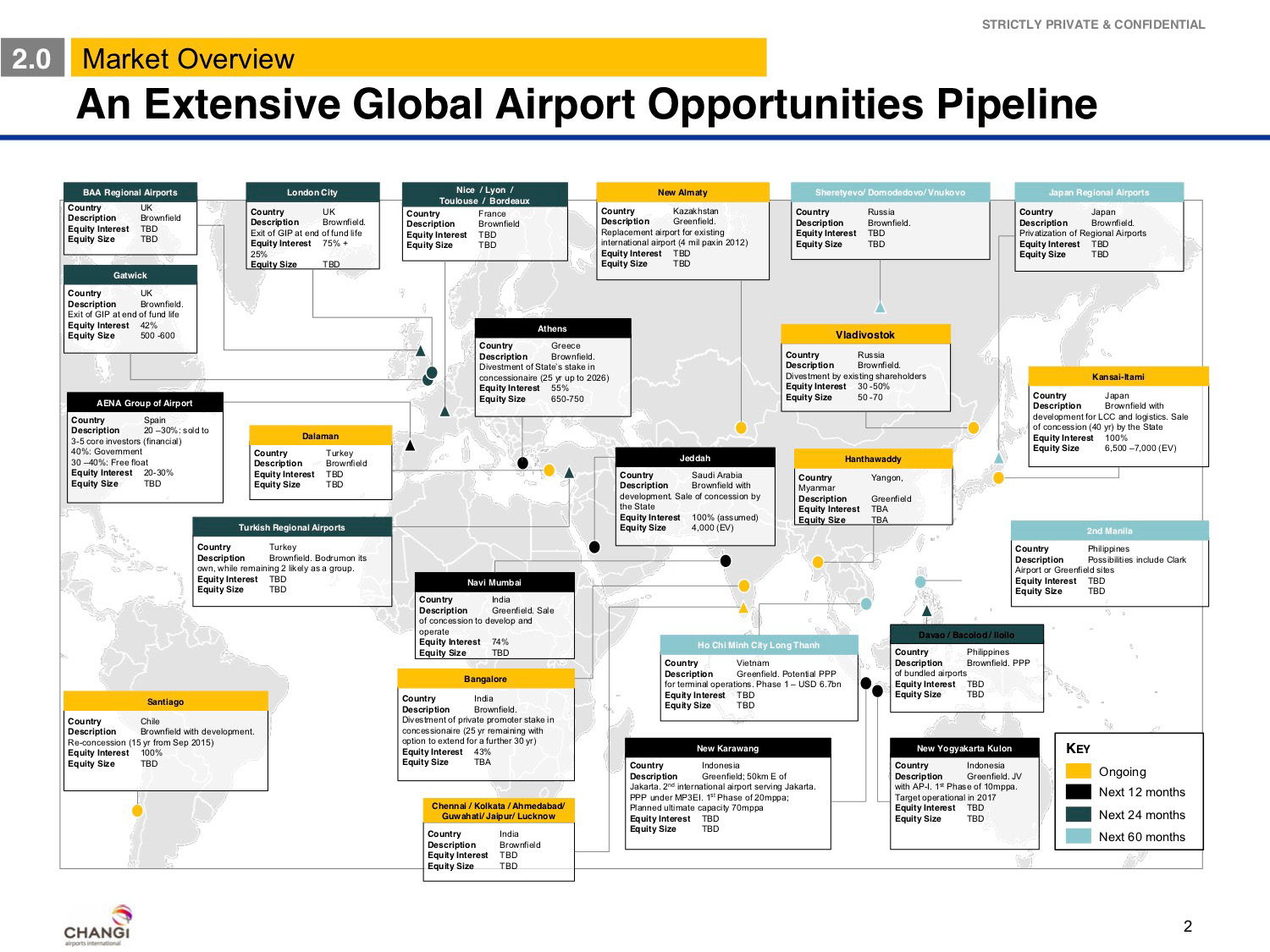
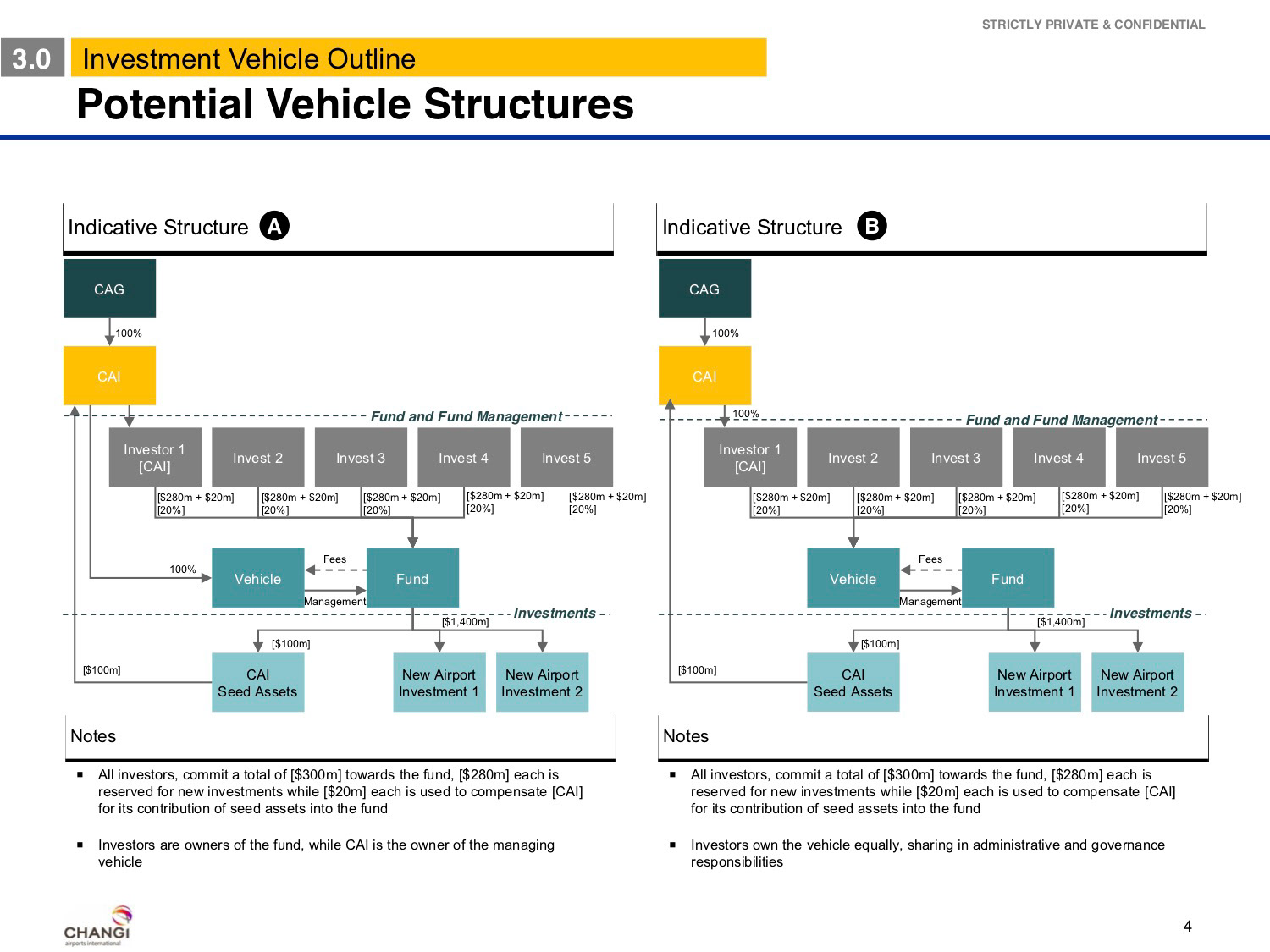
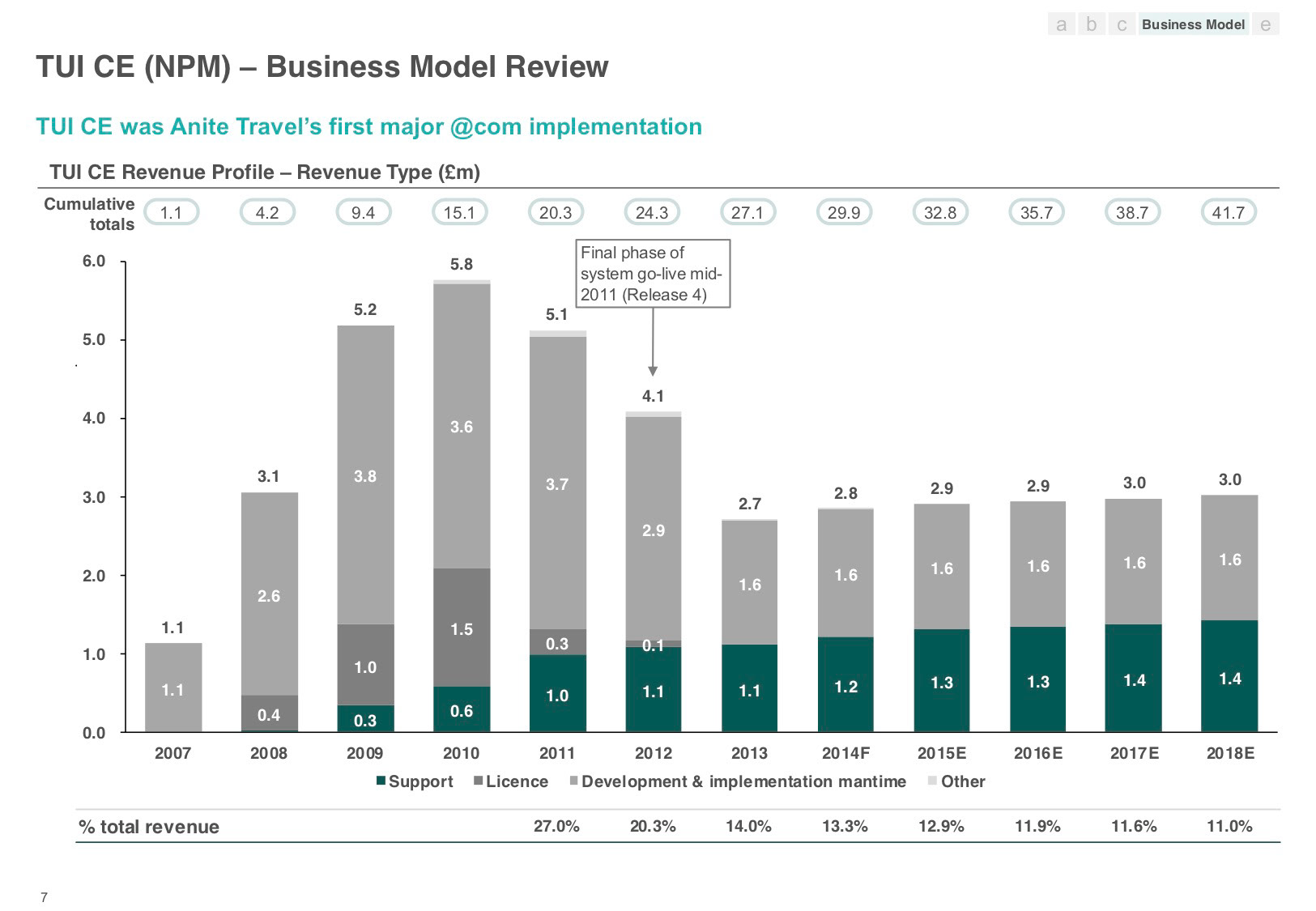
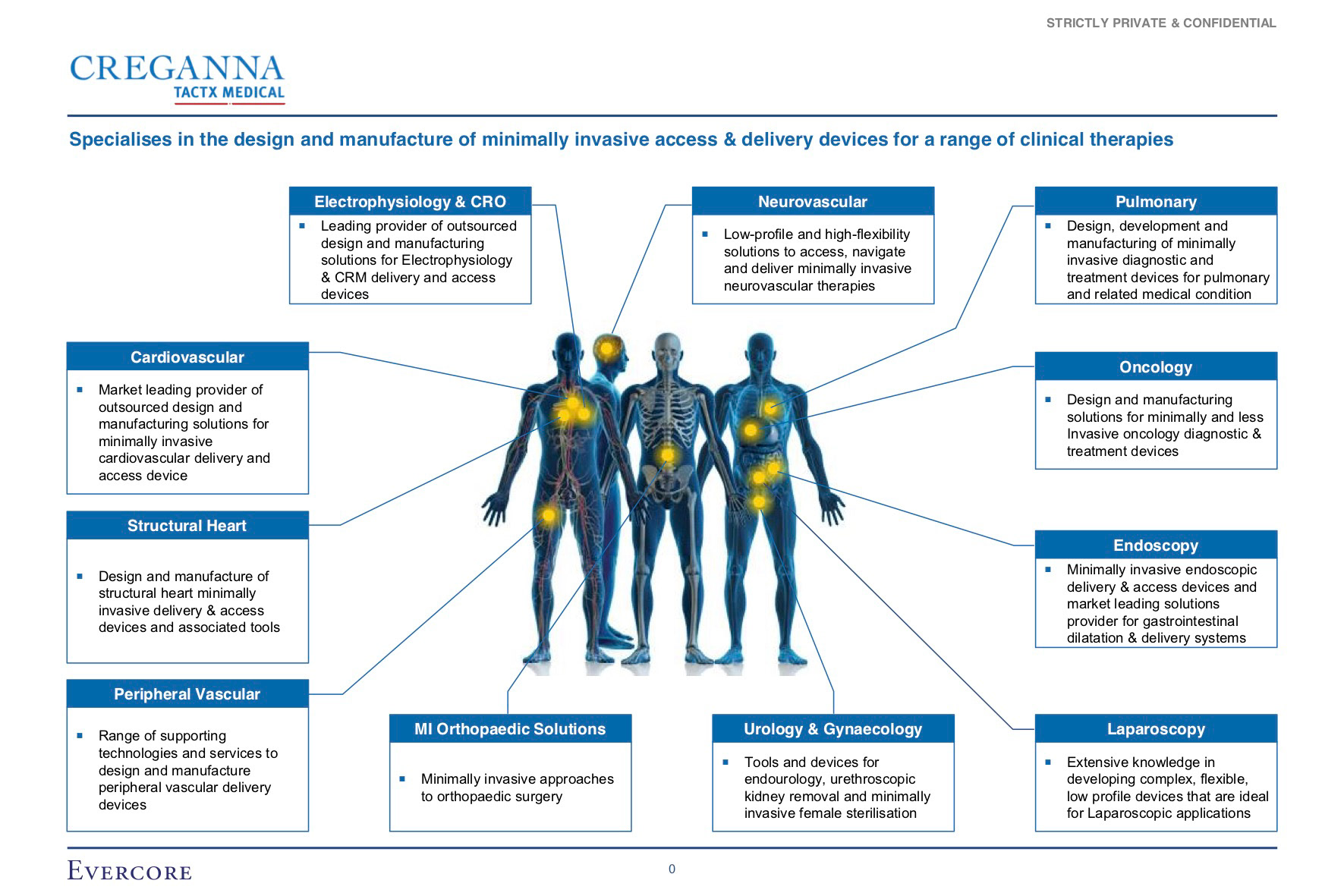
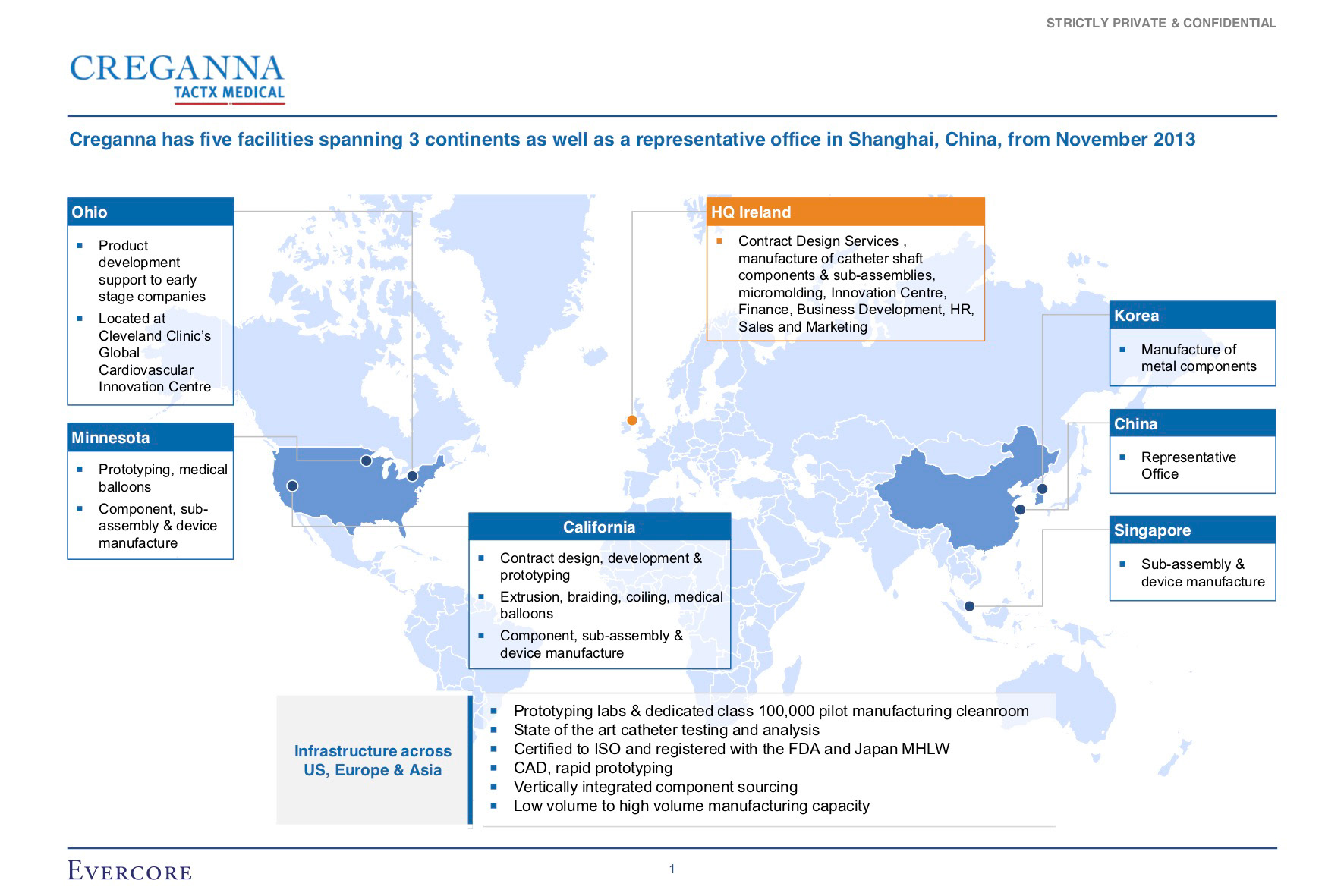
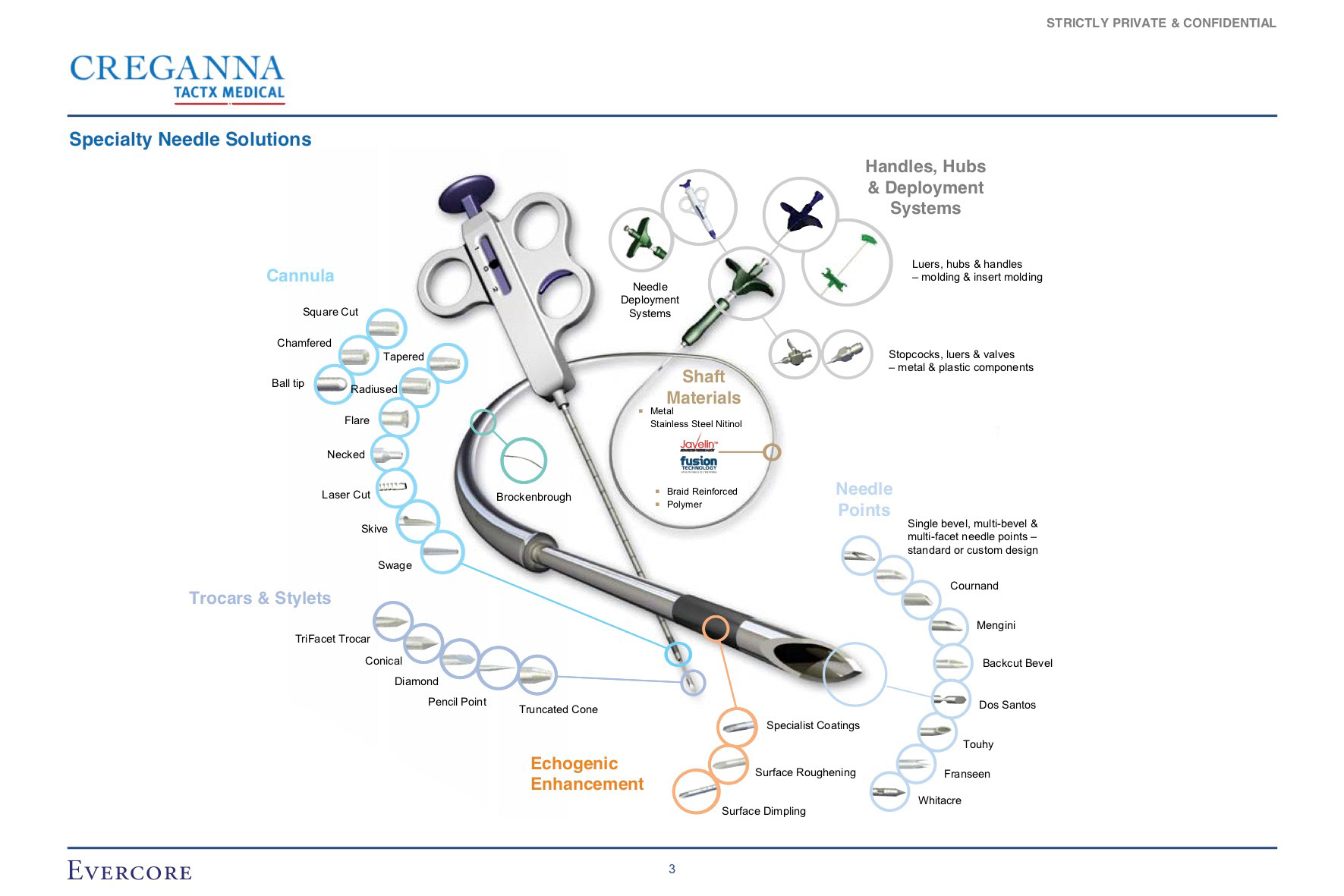
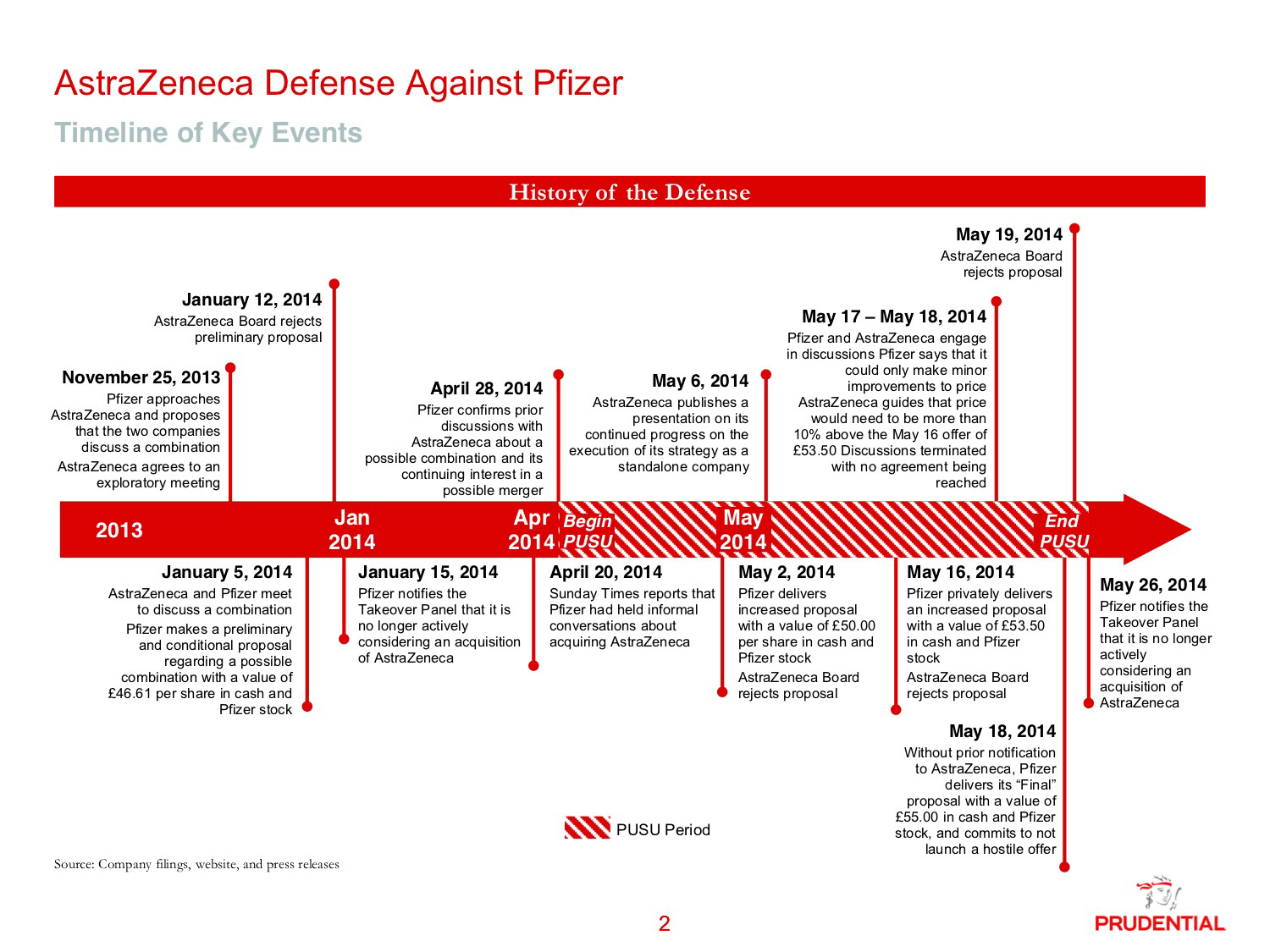
Pitch deck and investor presentation design
Investors see hundreds of decks, so yours needs to make its case quickly. I work through your story before I touch the design: where the market is today, what's holding it back, how you solve it and what that's worth. The slides then follow that order, so each one earns its place.
I'll also tell you when something isn't working. Pitch decks that open with three slides about the company tend to lose the room early, and charts that need explaining usually need redrawing.
Corporate and sales presentation design
For company overviews, sales decks and board presentations, I design to your brand guidelines and keep the look consistent across every slide. Long middle sections are where most corporate decks fall apart, so I make sure each part connects to the next instead of reading like a collection of separate slides.
If you already have a deck that works but looks dated, I can redesign it around your existing content, keeping what's good and sharpening the rest.
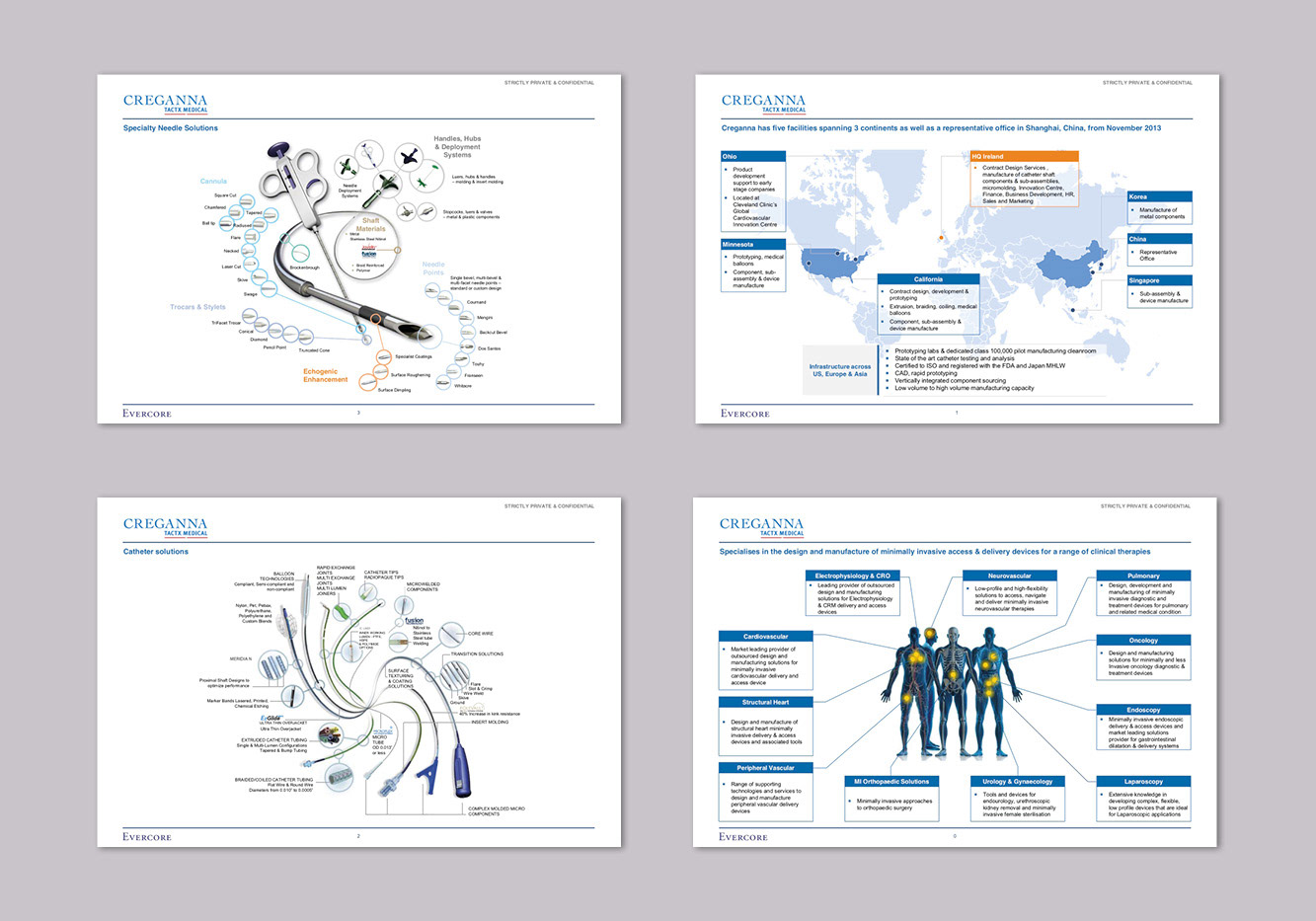
PowerPoint animation
Animation works best when it helps the audience follow an idea, like building up a chart one step at a time or revealing a process in the order it happens. I create animated presentations inside PowerPoint, so they play on any laptop without extra software, and your team can still edit the content underneath.
InDesign and Illustrator to PowerPoint
Some of the best-looking slides are designed in InDesign or Illustrator, which means only a designer can change them. Every new figure or updated headline turns into a request, a wait and an invoice.
I rebuild those slides in native PowerPoint, matching the original design as closely as the software allows. Your team gets fully editable files with proper layouts and styles, so they can update content themselves and keep the design intact.
How a presentation project runs
Step 1.
Brief. You send your content, even if it's rough, along with your deadline and who you'll be presenting to.
Step 2.
Look and feel. I design two or three key slides so we can agree on the style before I build out the full deck.
Step 3.
Full design. I design the rest of the presentation and we work through any changes together.
Step 4.
Handover. You receive an editable PowerPoint file, ready to present or update. Keynote and Google Slides versions are available on request.
Thank you!
Starting a presentation project?
Tell me what you're presenting, who it's for and your deadline. Rough content is fine. I'll reply within one working day.
Questions about presentation design
1. How long does a presentation take?
It depends on the length and how ready the content is. A short deck can take a couple of days, while a large presentation may take a week or more. You'll get a delivery date along with your quote.
2. Can you work within our existing PowerPoint template?
Yes. I can design inside your current template, or improve the template first if it's holding the presentation back.
3. Do you help with the content and structure?
Yes. I'll suggest how to order your story and where to cut, and I'll flag slides that are trying to say too much. The final wording stays yours.
4. Do you sign NDAs?
Yes. Many of my clients work with confidential financial and strategic information, and I'm happy to sign an NDA before you share any material.


