What a Word template can include
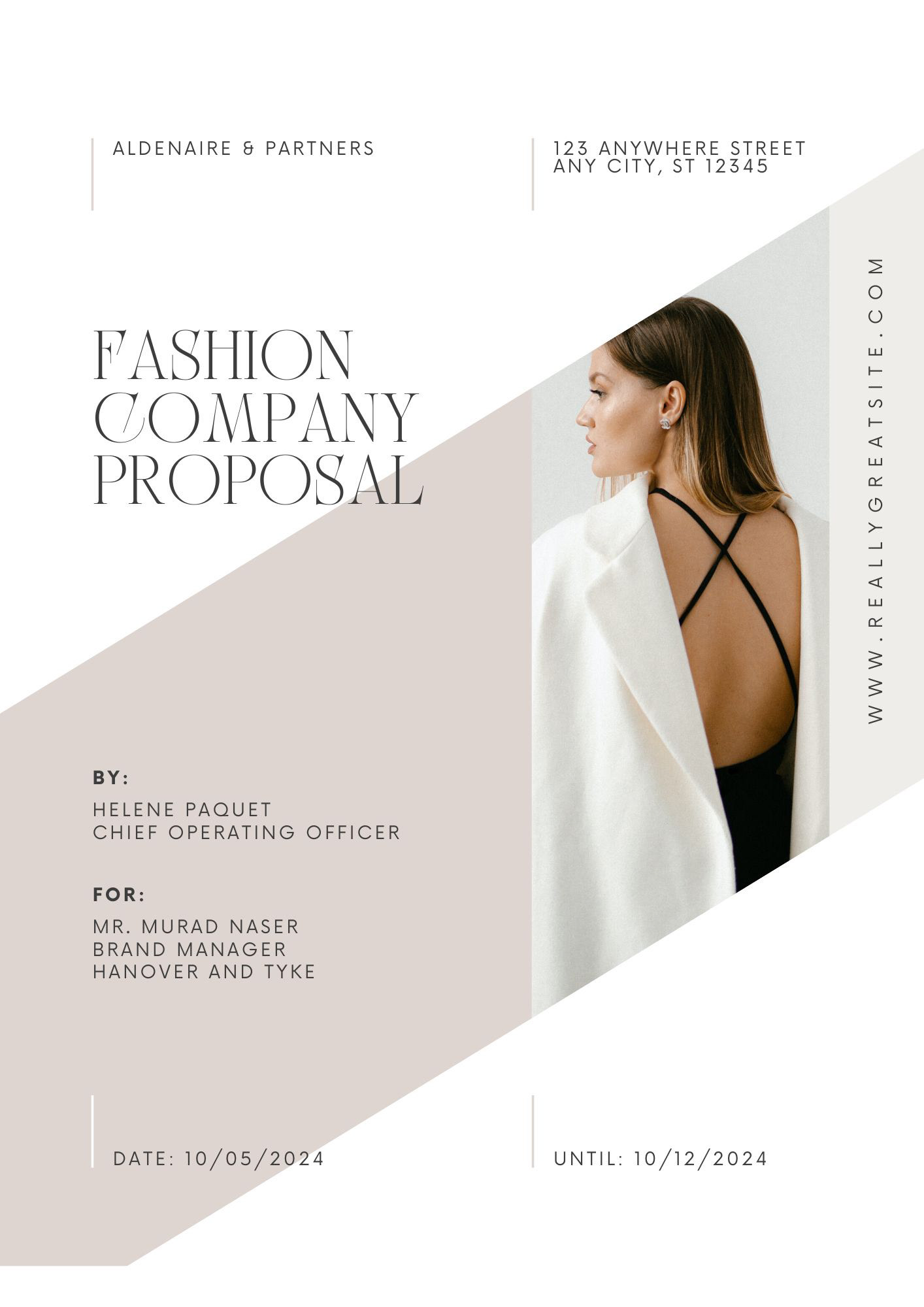
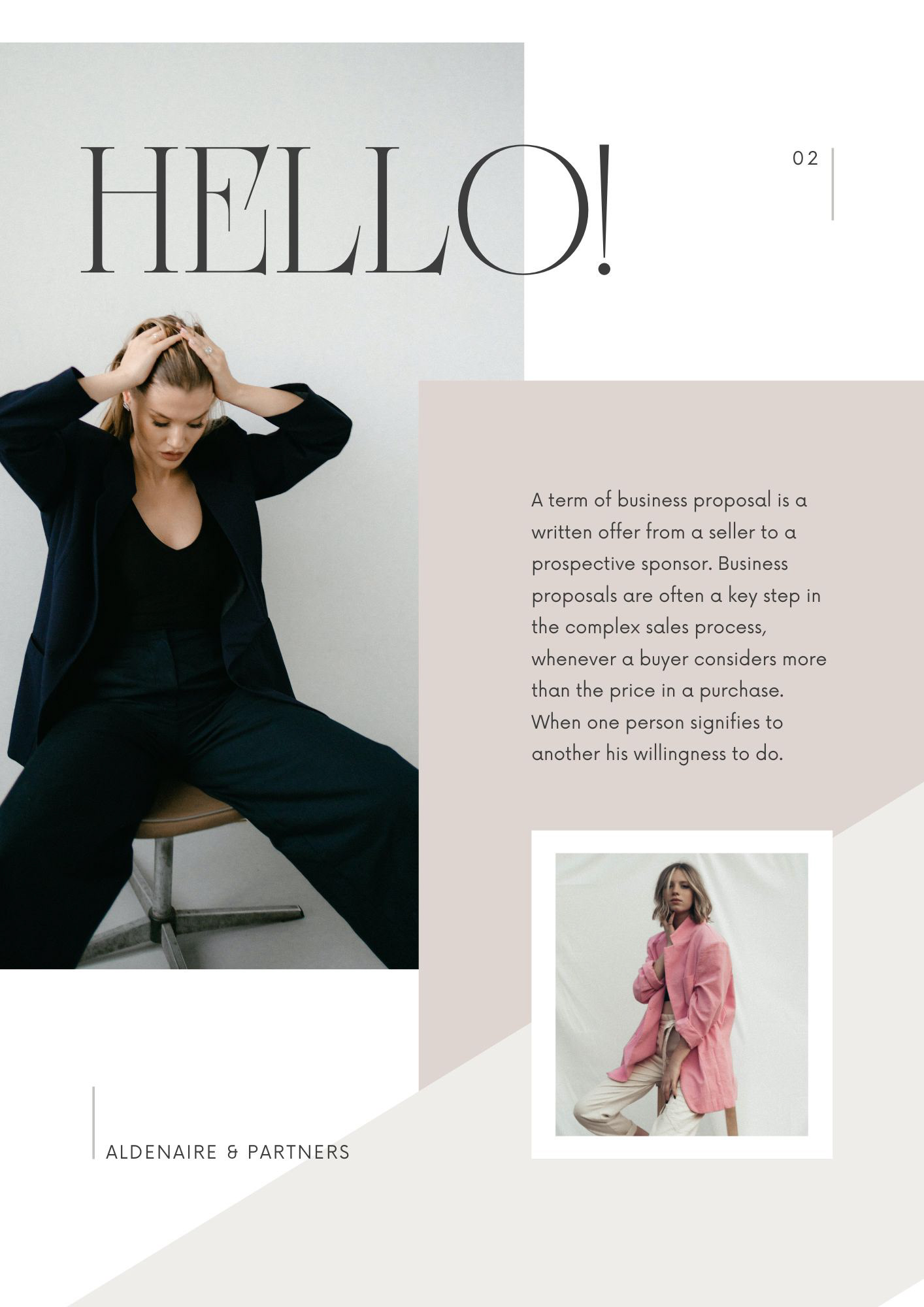
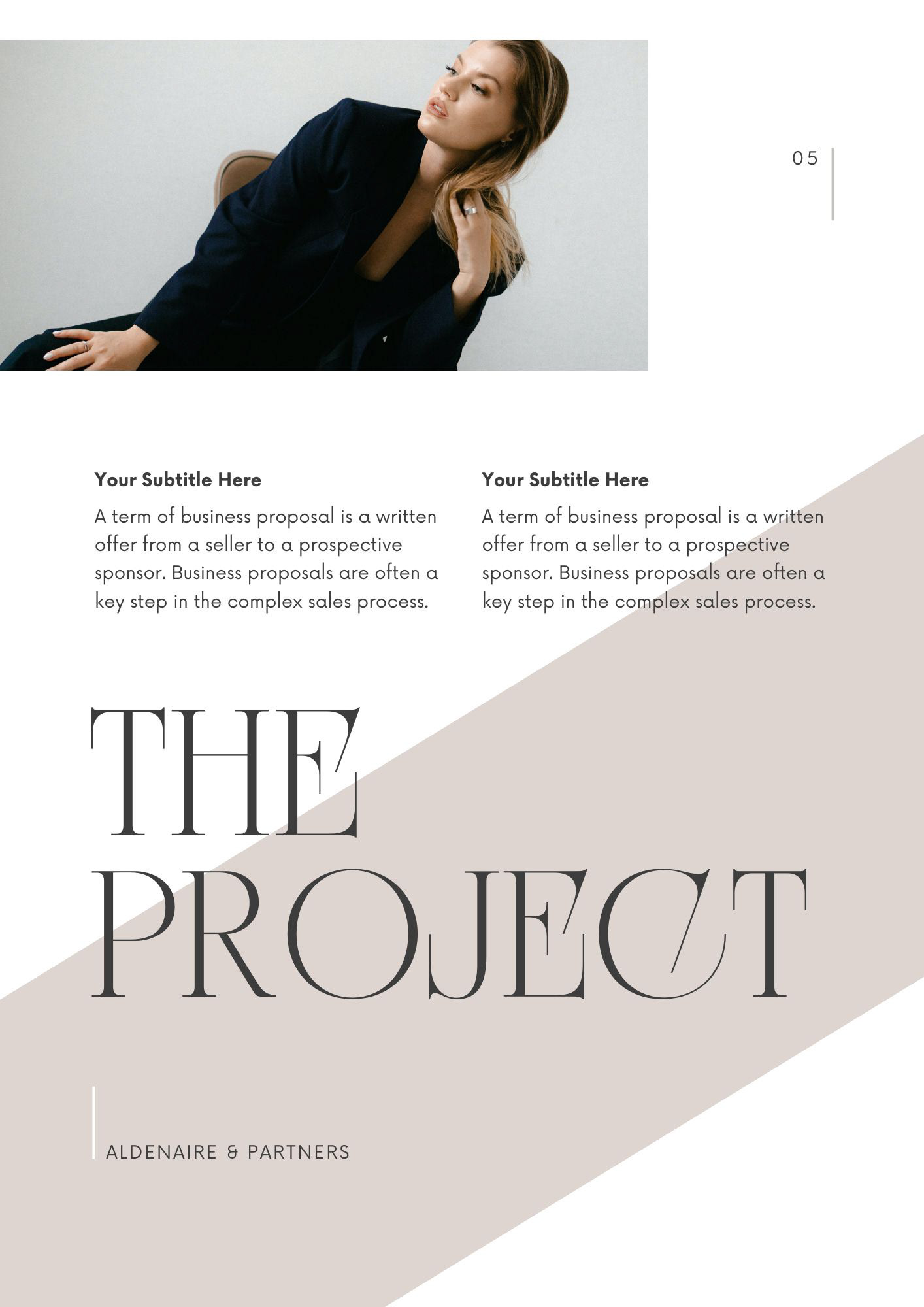
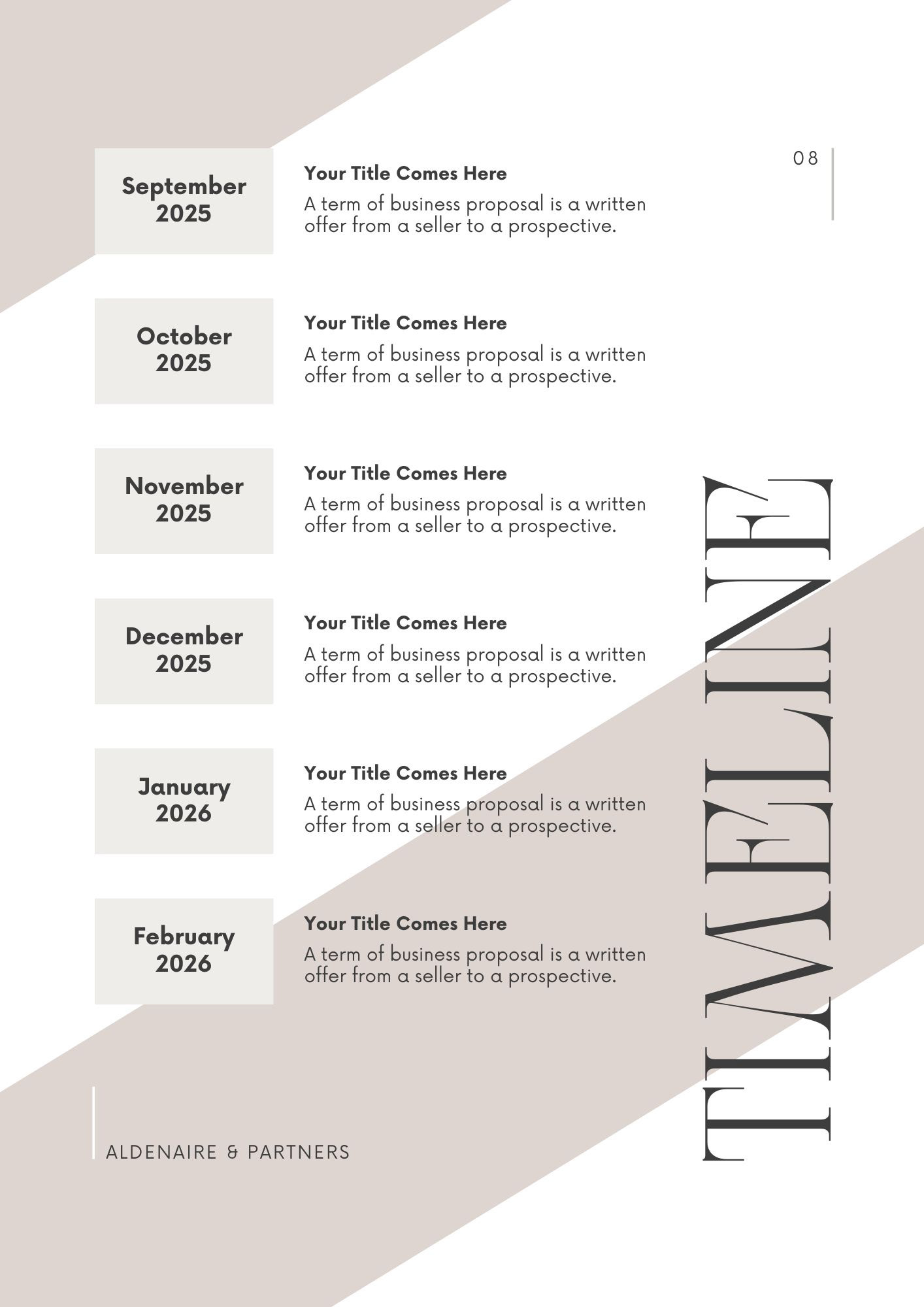
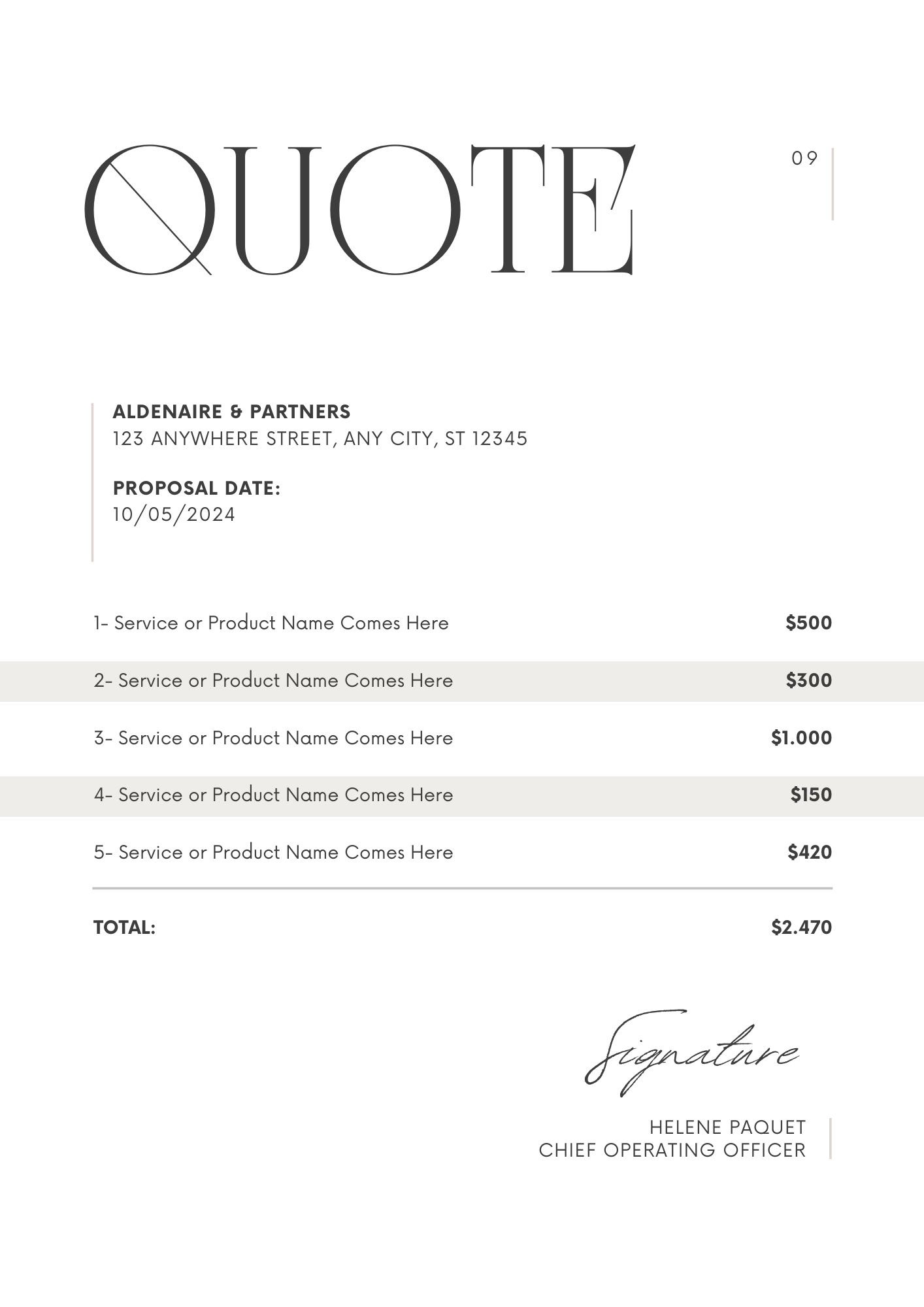
I design each template around the documents your team produces most. That might be a cover and back page for client reports, a letterhead with your details built into the header and footer, or ready-made pages for agendas and meeting notes.
Tables and charts are styled to your brand colours, so a document full of data still looks like it belongs to your company. Everything sits in one file your team opens like any other Word document.
Matching Word and PowerPoint templates
If you're also getting a PowerPoint template, I design both together using the same colours, fonts and graphic elements. Your proposals, reports and presentations then look like they came from one company rather than three different departments.
Reformatting existing documents
A new template doesn't help much if your older reports and policies still look the way they did five years ago. I can take your existing Word documents and reformat them into the new template, applying the correct styles to every heading, table and caption.
This works for anything from a single proposal to a large batch of long documents, and the content stays exactly as you wrote it.
How a Word template project runs
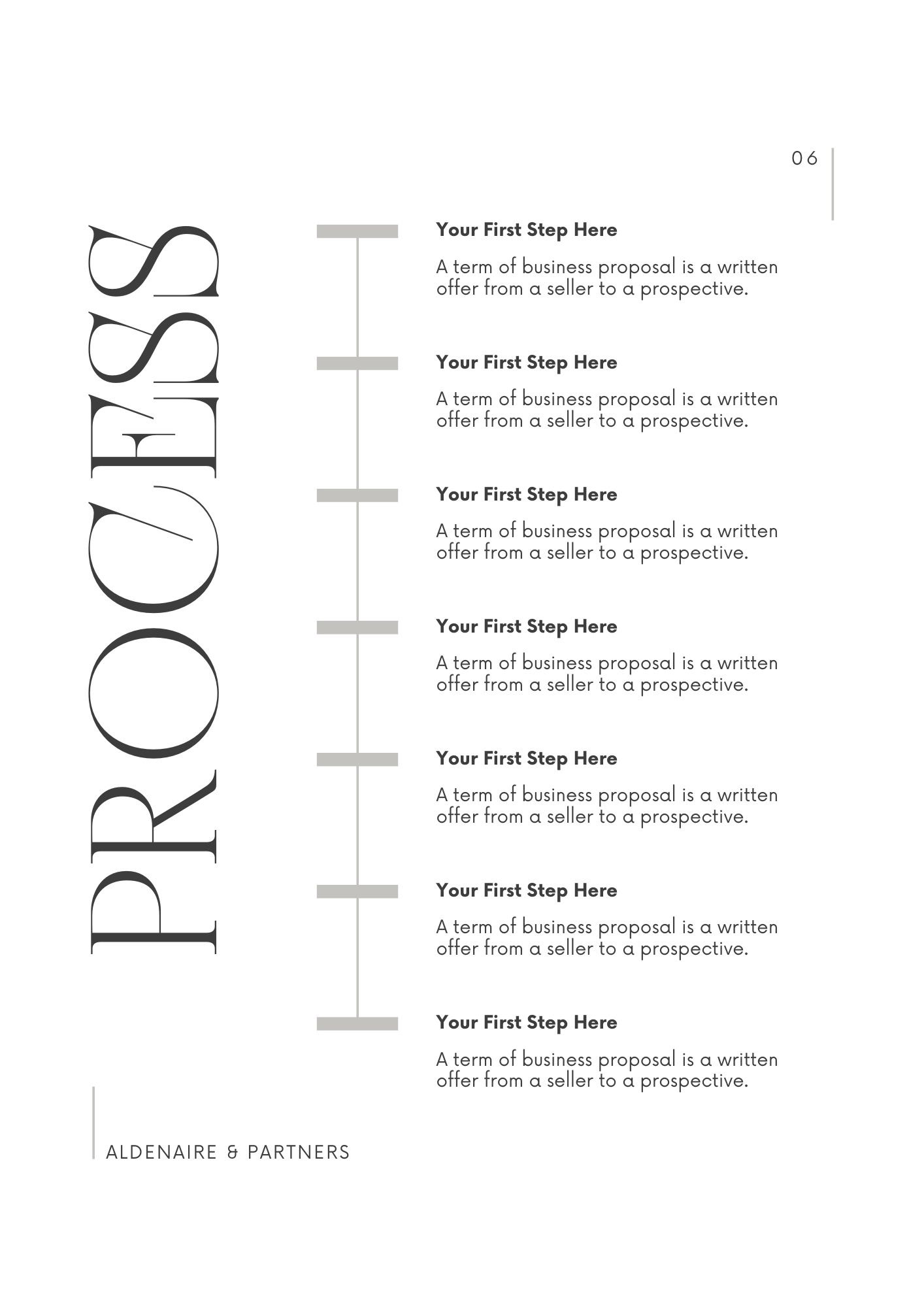
Brief. You send your brand guidelines and a few examples of the documents your team writes most often.
Design. I create the key pages first, such as the cover and a typical inside page, so we can agree on the look.
Build. I set up the full template with styles, headers, footers and any extra page types you need.
Handover. You receive a tested Word template, ready to share with your team.
Thank you!
Need a Word template?
Send me your brand guidelines and a couple of the documents your team uses most. I'll reply within one working day.
Questions about Word templates
1. Can you improve our current Word template instead of starting again?
Yes. If your existing template has the right idea but keeps breaking, I can rebuild it with proper styles and tidy up the layout while keeping the parts that work.
2. Will the formatting break when people paste in text from other documents?
Much less often. Because the template uses Word styles, pasted text can be brought into line with one click instead of being reformatted by hand. I'll show your team how.
3. Will the template work on both Mac and Windows?
Yes. I create it in Microsoft Word and tested the template on both before handover.